
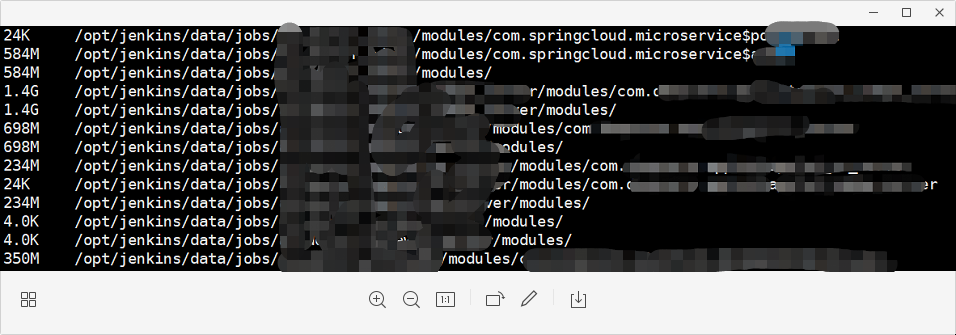
查看modules大小
du -h –max-depth=1 /opt/jenkins/data/jobs/*/modules/
直接上脚本
#!/bin/bash
echo '+————————–开始删除1天前的modules'
files=`find /opt/jenkins/data/jobs/*/modules/* -mtime +1 -type d`
deletelog=`find /opt/jenkins/data/jobs/*/modules/* -mtime +1 -type d | xargs ls -dlh|sort|xargs|sed "s/drwxr/\n\rdrwxr/g"`
filelog=`find /opt/jenkins/data/jobs/*/modules/* -mtime +1 -type d | xargs du -h --max-depth=1`
if [ ! "$files" = "" ]
then
        echo '+————————–即将删除的文件:'
        echo ${deletelog}
        echo -e "${filelog} \n"
        rm -rf ${files}
else
        echo '+————————–没有文件要删除'
fi
echo '+————————–删除文件执行结束'
echo "#—————本脚本执行结束`date "+%Y-%m-%d-%H:%M:%S"`"
echo "#—————V2.0 by jeff AZURE"
echo "#—————本次版本号V${BUILD}"
echo "#—————本次执行在$(hostname)"